Announcements Food & Drink
Dining Cash Back Now Includes 20,000+ Restaurants
Price.com dining cash back now covers 20,000+ restaurants. Link a Visa or Mastercard once, pay…
Share
24 minutes ago
Holiday shopping has become a second job, with shoppers bouncing between tabs and apps as prices climb. Increasingly, they’re turning to AI for help: traffic from AI sources to retail sites grew 693% year-over-year during the last holiday season (Adobe Digital Insights).
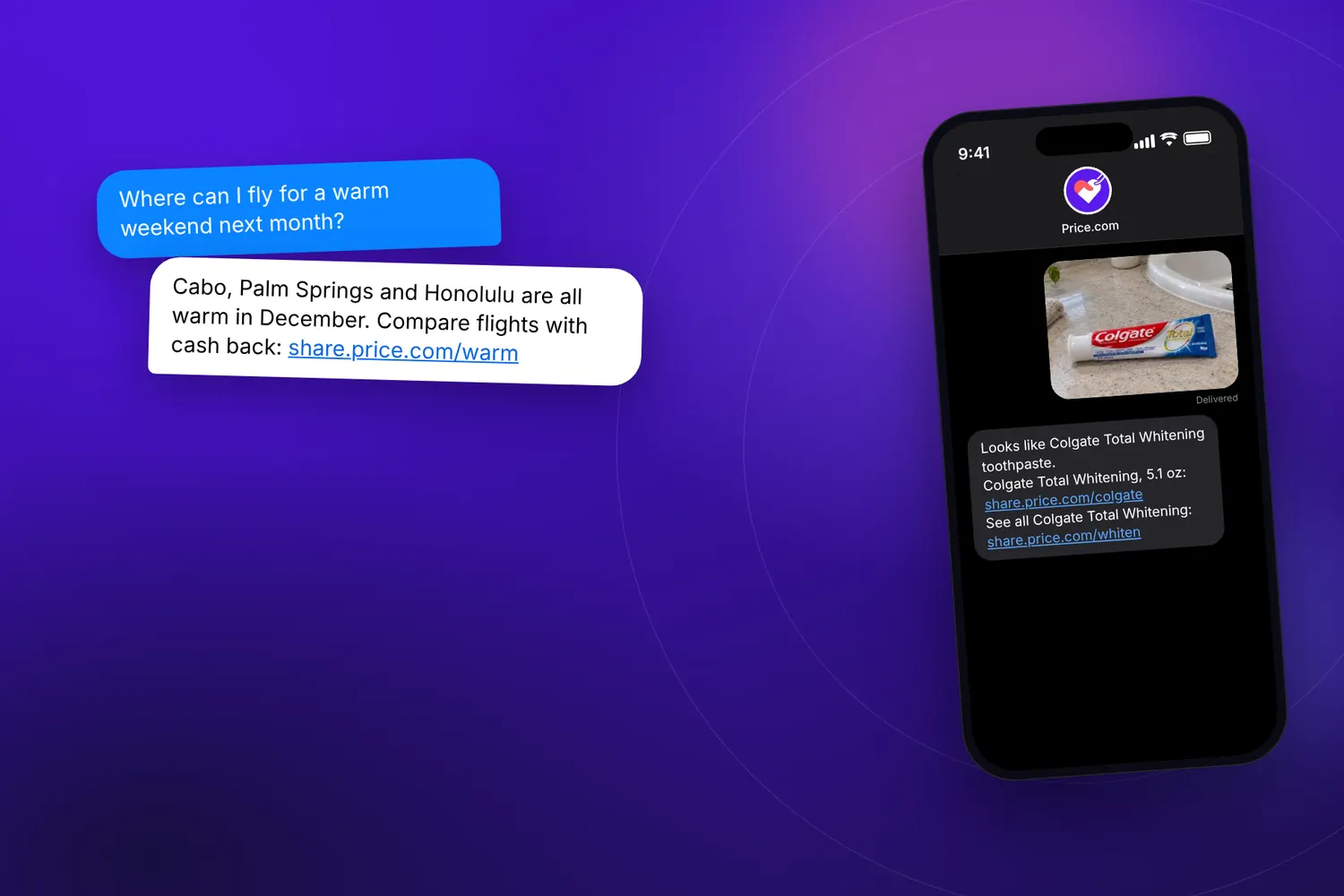
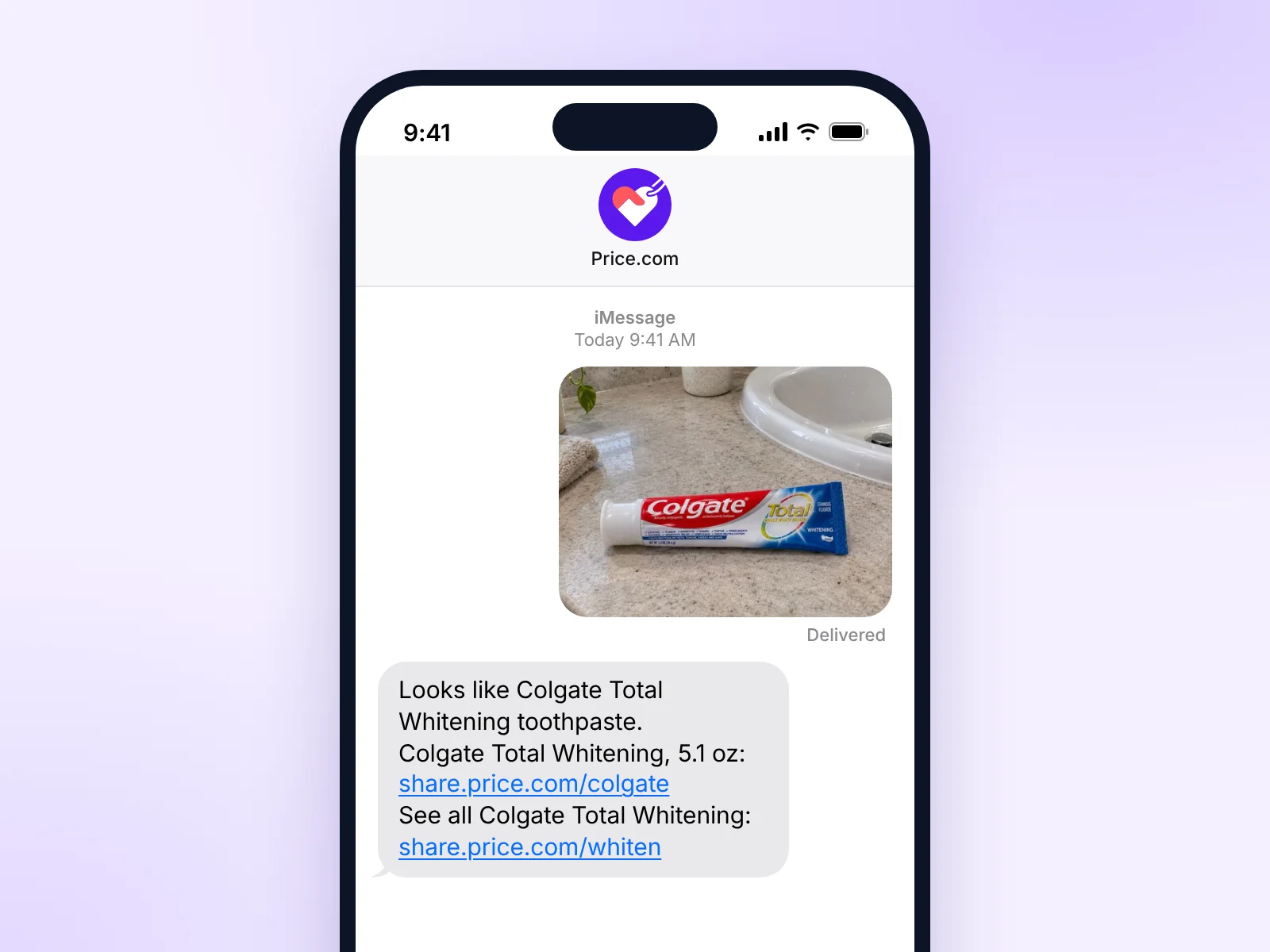
Price.com today launched its AI shopping and travel assistant at price.com/text. No app is required. Shoppers text, send a voice memo, or share a photo of what they want, and the assistant compares prices across the internet and finds the best price with available cash back and coupons.
Most AI shopping tools stop at discovery, telling shoppers what to buy before sending them elsewhere to pay full price. Price.com goes further, combining price comparison, coupons, and cash back in a single text conversation. Discovery is table stakes. The deal is the product.
A shopper sends a photo of Nike running shoes. The assistant finds the same pair across stores, identifies the lowest price, and adds available cash back and coupons.
The assistant also helps you find the best price on a Marriott stay through Expedia or Booking.com, with cash back layered onto the room rate.
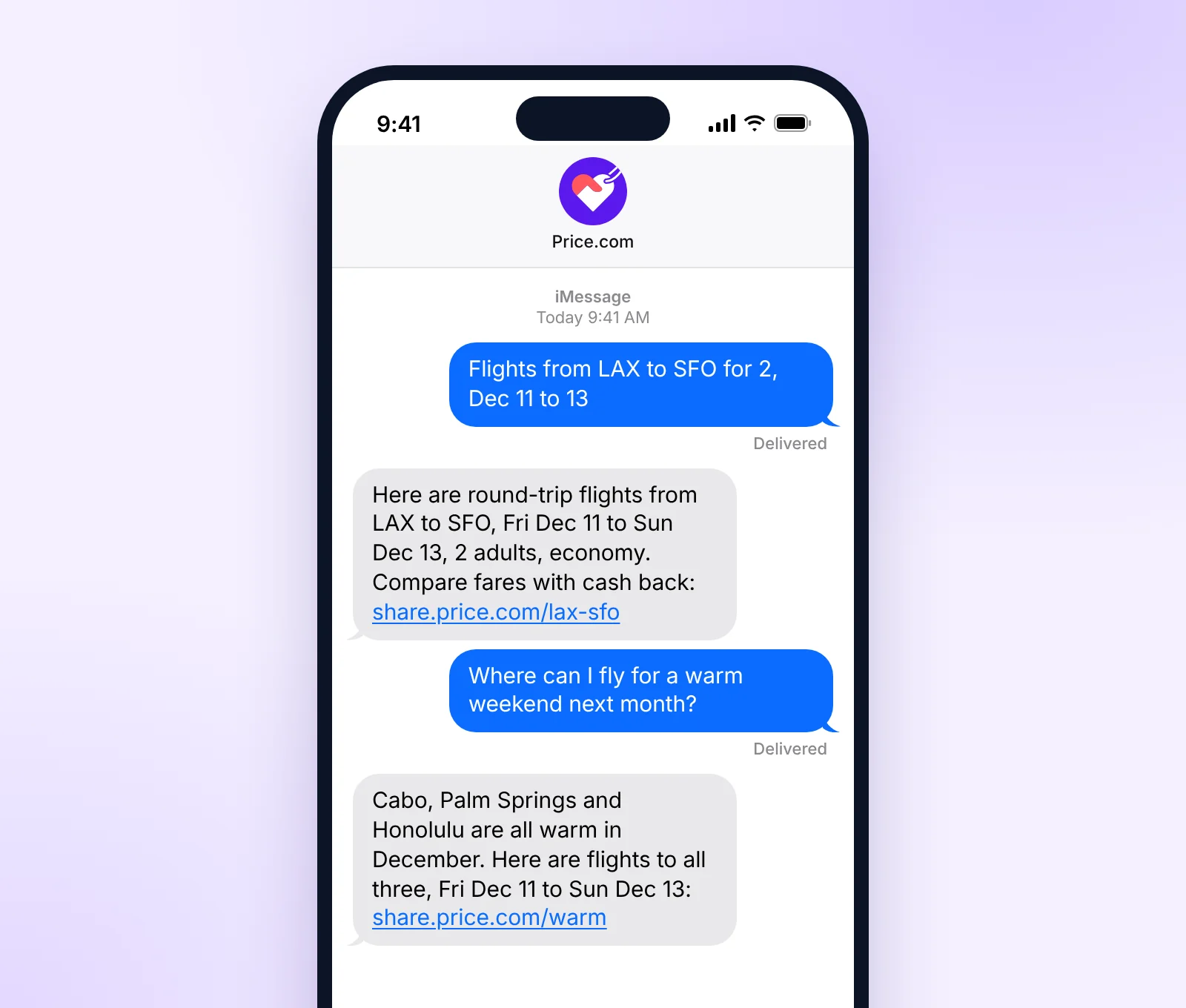
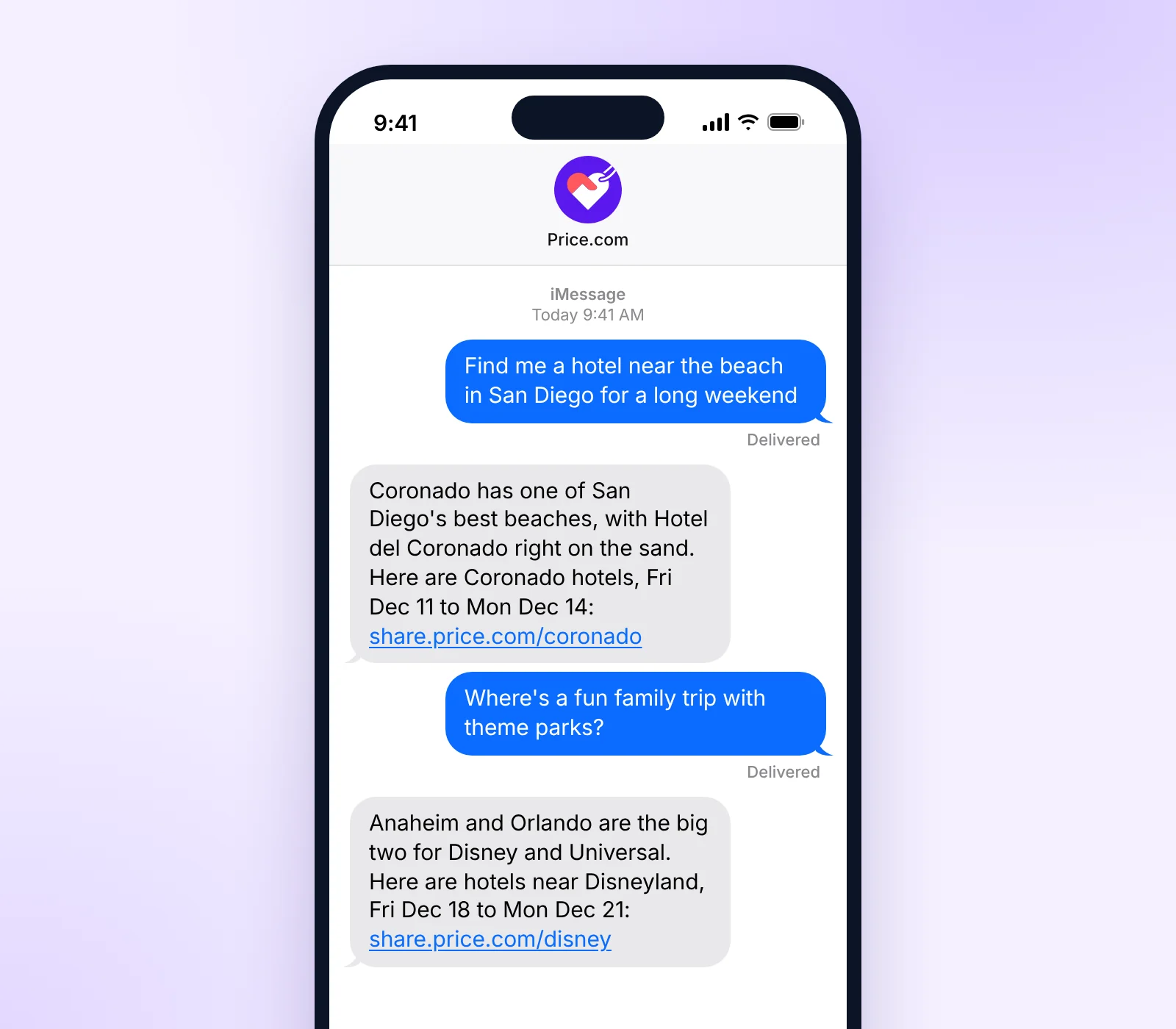
Americans exchange nearly 2.2 trillion text messages a year. Now that same behavior can transform how people shop: text or say what you want, or send a photo, and the assistant finds the best prices, cash back and coupons. It is the simplest way to discover and save.
RJ Jain, founder and CEO of Price.com
The assistant searches Price.com’s catalog of 400 million active SKUs, with cash back and coupons sourced from over 100,000 merchants, including Nike, Marriott, Expedia, Booking.com, Bloomingdale’s, Instacart, DoorDash and Uber.
Ask in plain words, the way you would text a friend. Prices, rates and coupons change, so the links in every reply open the current offers on Price.com.
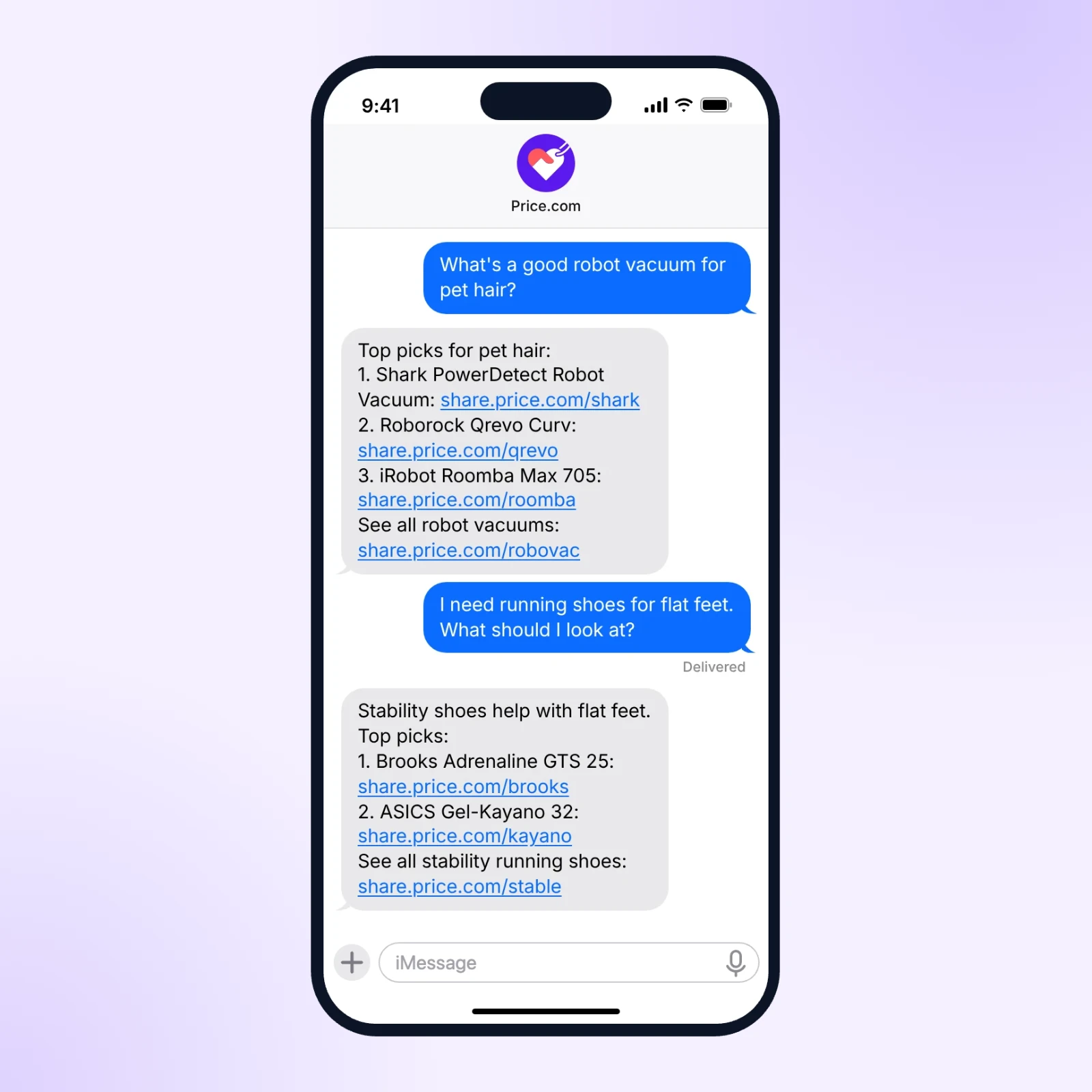
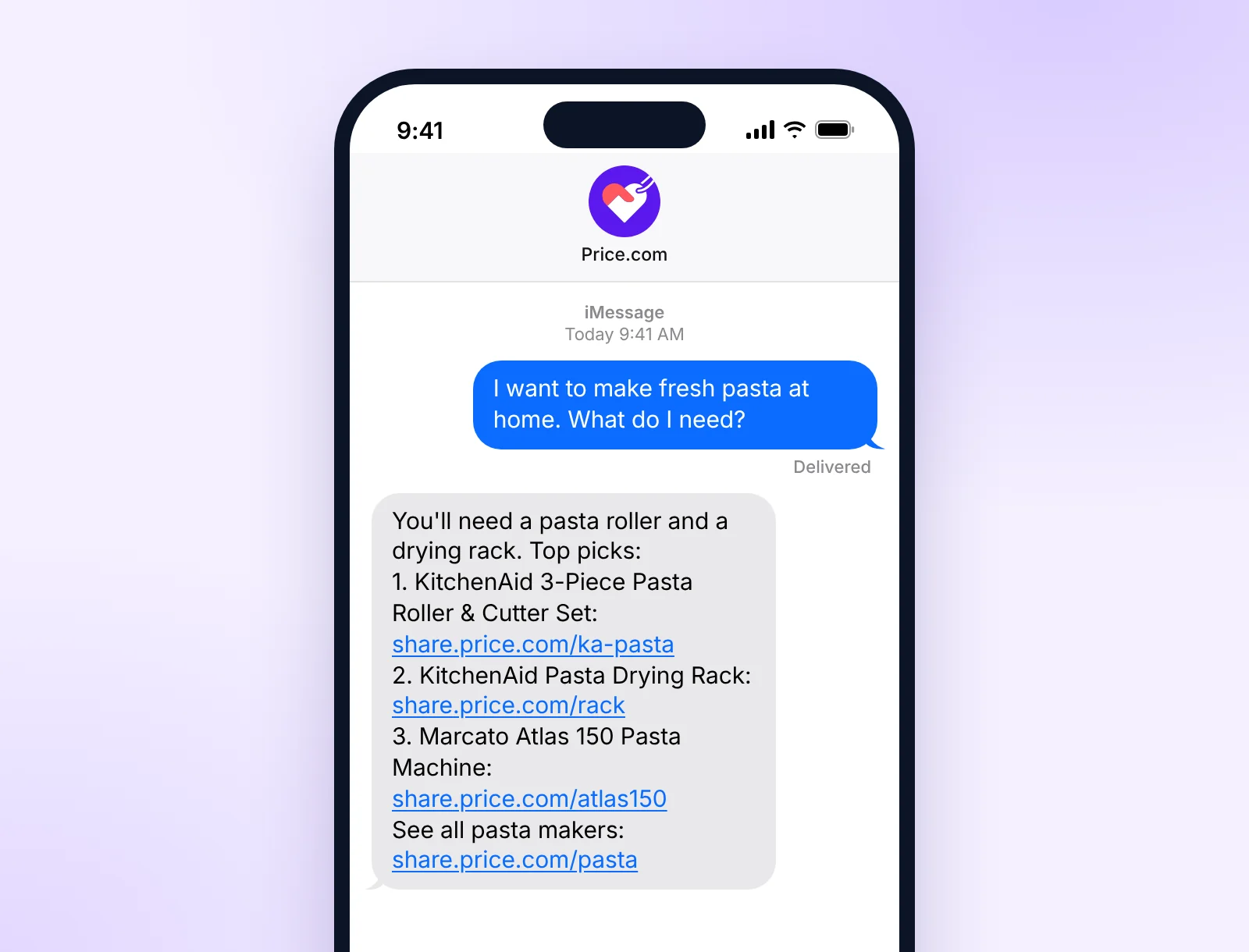
Describe what you need, like a robot vacuum that handles pet hair or running shoes for flat feet, and the assistant explains what to look for and lists top picks.
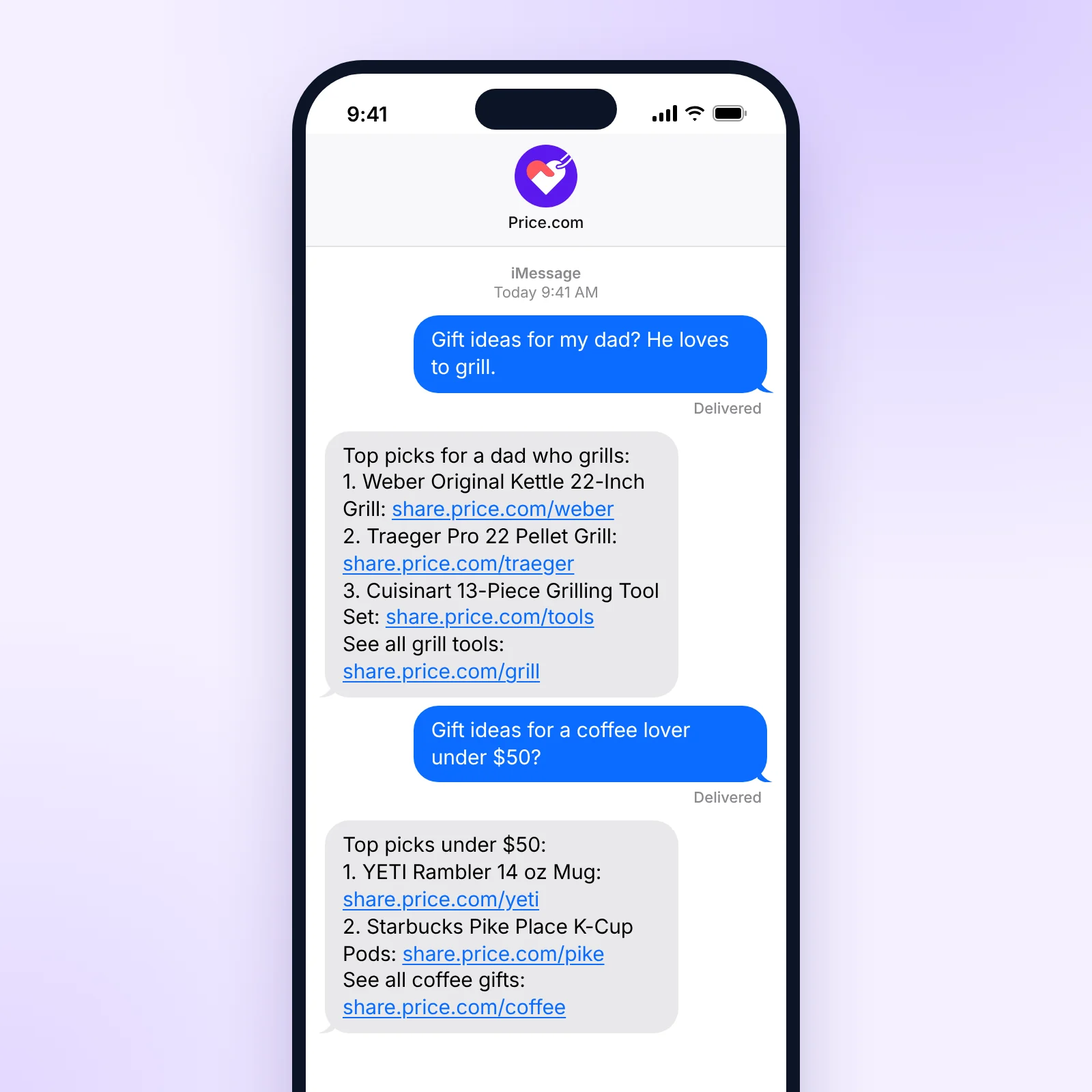
Tell it who the gift is for and what they like. Add a price limit, like “under $50,” and the picks stay under it.
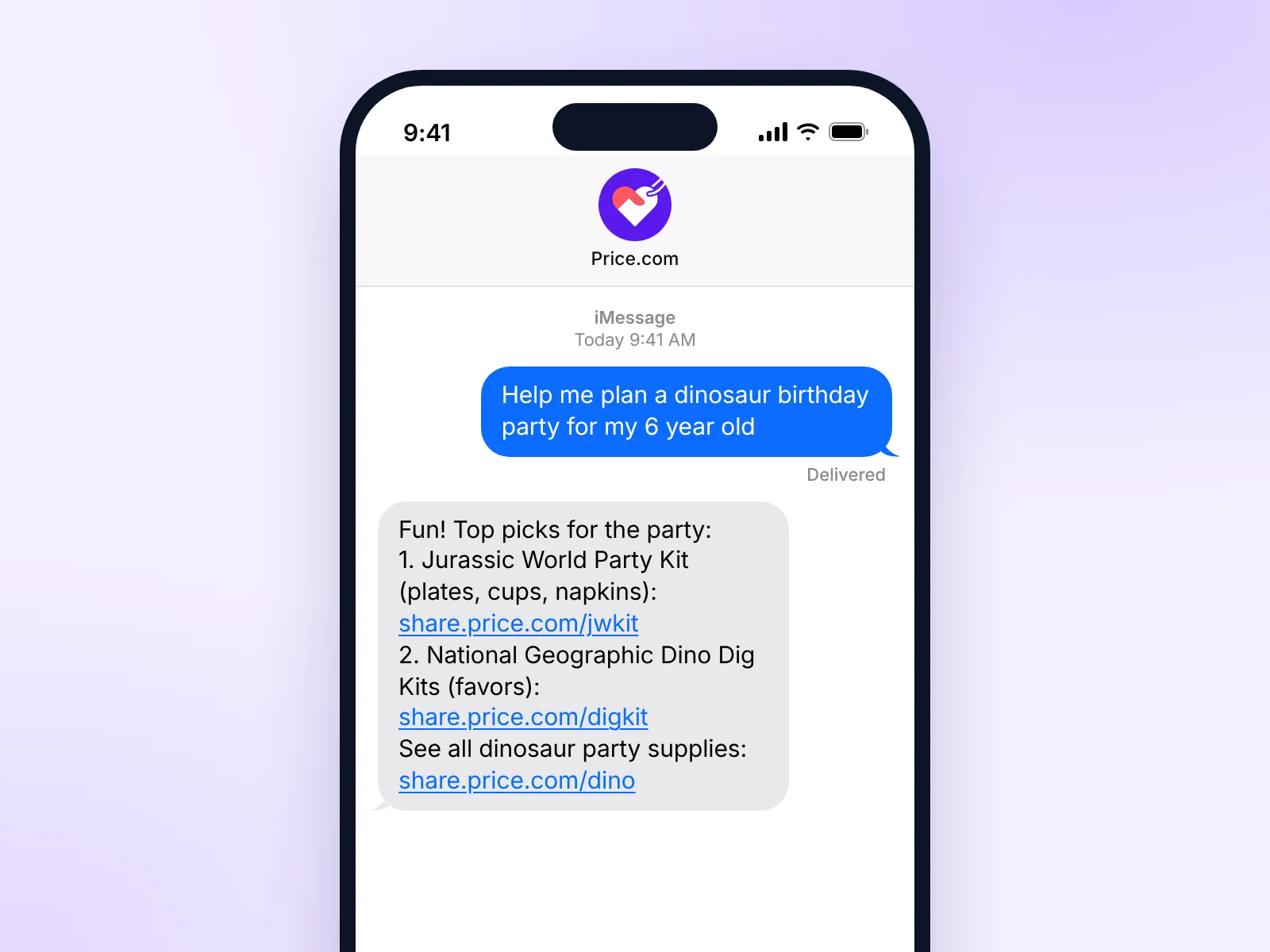
Describe the event and the assistant suggests supplies and favors with links to shop them.
You can also ask for a store’s cash back rate or current coupons, for example “Any coupons for Wine.com?” or “How much cash back does Target pay?” Keep the conversation going to ask for more picks or a lower budget, or to change your travel dates.
The assistant is now available at price.com/text to Price.com Pro members, who also earn 50% more cash back at select merchants.
The Text AI Assistant is included with a Price.com Pro membership, so Pro members can start texting right away at no extra cost. If you aren’t a Pro member, you can join the waitlist for free at price.com/text, and we’ll let you know when a spot opens. You can also upgrade to Pro from the waitlist screen to skip the wait. Message and data rates from your carrier may apply.
No app is needed. The Text AI Assistant works in the messaging app already on your phone, on iPhone and Android. After you sign in at price.com/text, tap Start texting to open a new message to Price.com. If you signed up on a computer, scan the QR code on the screen with your phone to start the conversation there. The Start texting screen also lets you add Price.com to your contacts so the conversation is easy to find later.
Yes, for products. Pro members can use Buy with AI to have an AI agent complete the purchase for them. Buy with AI works for products only, so for flights and hotels the assistant sends a trip search on Price.com Travel Companion, and you book on the travel site. Before you buy, you can text back to narrow your choices, for example by asking for cheaper options or different dates.
Tap a link in the reply to open the product, search results or trip search on Price.com. Make sure you’re signed in to your Price.com account, then go to the store from Price.com to shop or book. Eligible purchases earn cash back that shows in your Price.com wallet as pending, then becomes available once the store confirms the order. Cash back rates vary by store and are listed on each store’s Price.com page.
Not yet. The Text AI Assistant is built for shoppers in the United States, and its replies use US stores, prices and cash back rates. Price.com members in other countries can keep using price.com and the Price.com app to compare prices and earn cash back. Trip searches can still include destinations outside the US, like a flight from Chicago to Tokyo.
Start texting with the Price.com Text AI Assistant at price.com/text.
Read the press release on Yahoo Finance.
Price.com dining cash back now covers 20,000+ restaurants. Link a Visa or Mastercard once, pay…

Price.com has a new look for 2026: a new heart logo, a violet and coral…

